Converting a VueJS site into a mobile app
Converting a VueJS site into a mobile app for Android and iOS with a guarantee of publication on the App Store and Google Play.
Join thousands of business owners,
who have converted a VueJS site into a mobile app.


Converzilla View Technology
Full compatibility
with VueJS site
We took into account all the features of VueJS sites,
therefore guarantee full compatibility.
Performance
Cache mechanisms significantly improve the performance of a mobile application
from a VueJS site.

Live updates
Real-time updates without republishing keep the mobile app from the VueJS site up to date.
Adaptability
Converzilla - universal platform that supports a wide range of Android and iOS devices, including smartphones, tablets.
VueJS features
When converting a VueJS website into a mobile application, it is very important to take into account the peculiarities of this technology, otherwise some features may be lost or not work properly.
-
Working with content
Preserve the functionality and usability of the website in the mobile app.
-
Data Security
Ensure the security and protection of application data from unauthorized access.
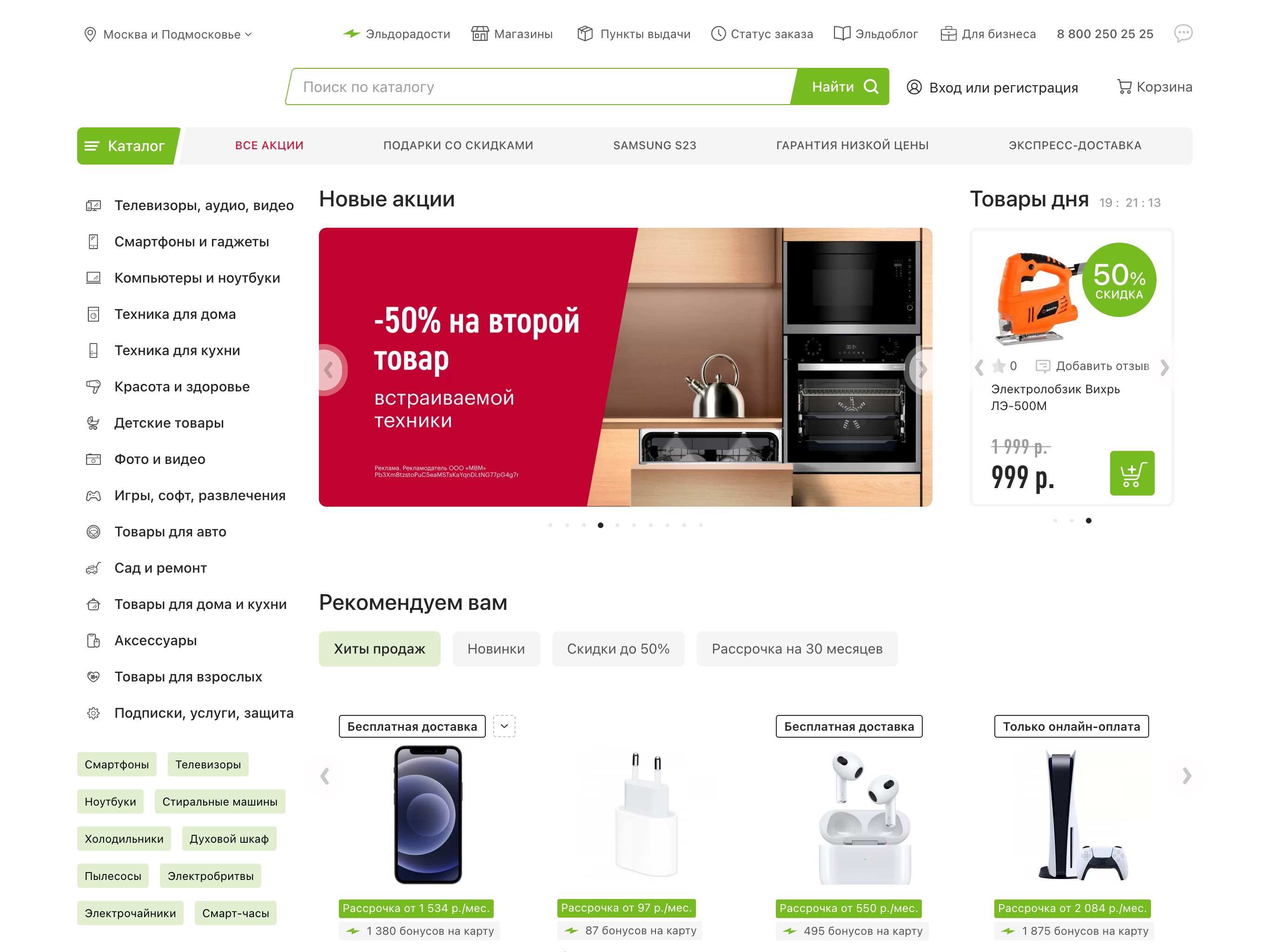
Modern approach
Get all the power of native apps 10x cheaper
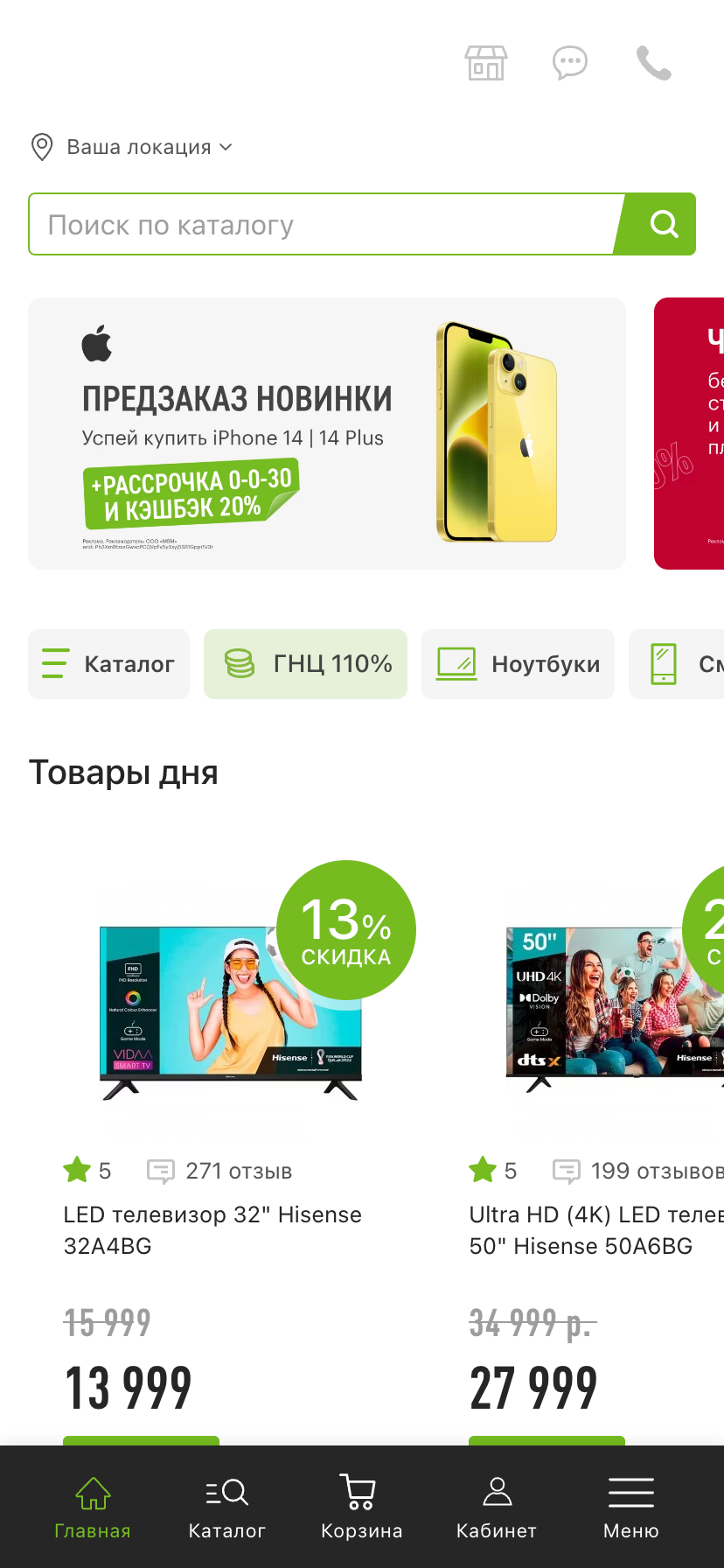
Use the “ConverZilla” service and create a mobile app from a VueJS site with additional native features in 5 days.
Convert website to appWebsite Design Adaptation
Often the app design may differ from the website design to provide a more convenient experience on mobile devices. Therefore, Converzilla has several adaptation methods. There is a function to add CSS styles and JS scripts to the website only in the mobile app. Or configuring User Agent, by which you can determine when the site was opened in the app.
-
Code snippets
Inserting JavaScript code and CSS styles.
-
User Agent
Setting User Agent for the application.
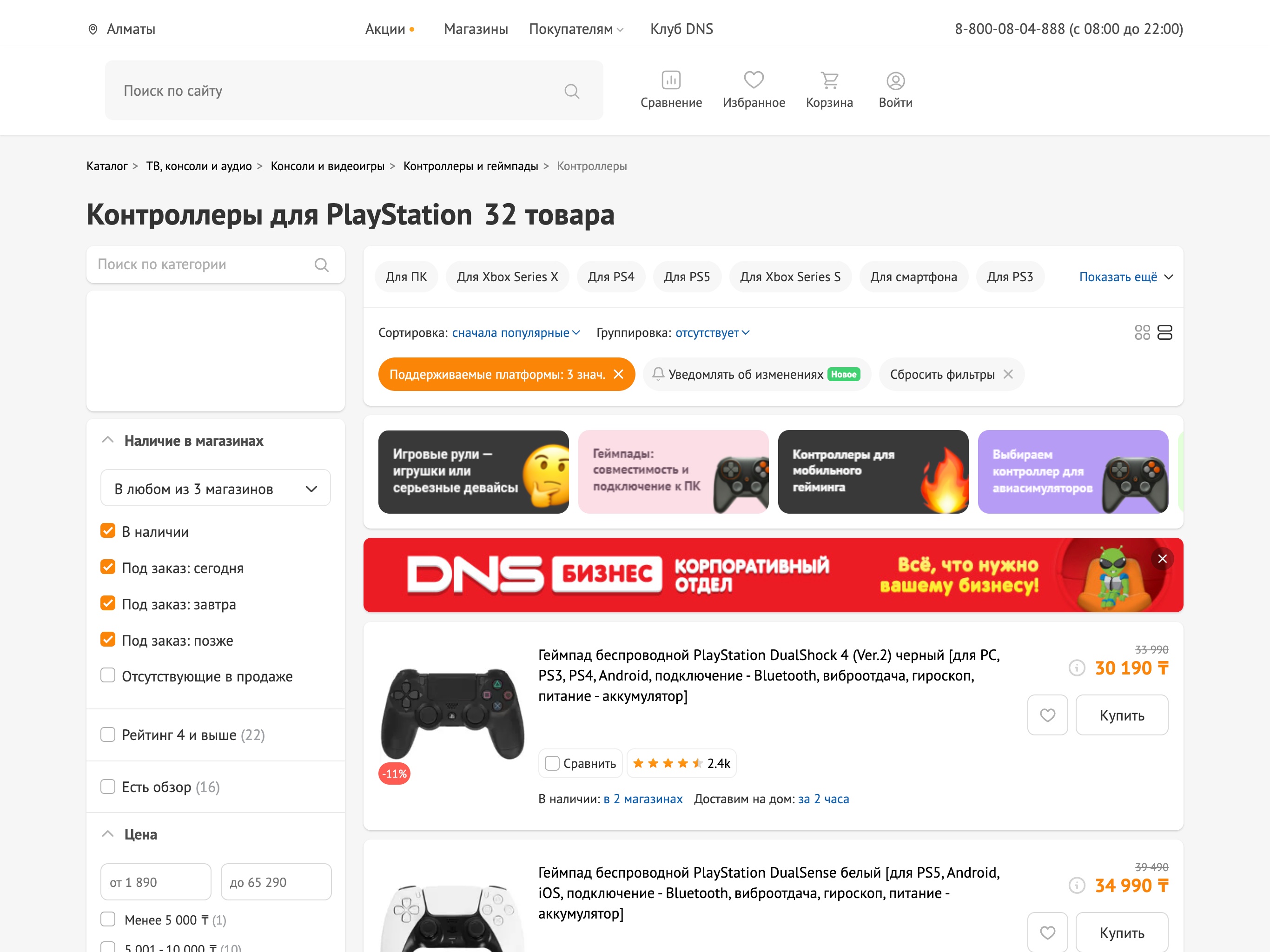
Authorization through social networks
Authorization works. The website stays as it is.
Users can still sign in using their favorite social networks and services. ConverZilla takes care of redirects and the sign-in window, and returns the user to the app.
There is no need to build a new sign-in module just for your mobile app.
Online payment
Payment systems and online cash registers
Payments are made through your mobile app. ConverZilla individually configures the opening of the payment form, external bank pages and the return after payment. The customer completes the purchase as usual, without re-integrating the payment system.
How an application is created
from a VueJS site
Main stages of creating iOS and Android mobile applications
from a VueJS site using the “ConverZilla” conversion service.

-
Step 1
Site Check
Check mobile version or mobile adaptation, as well as content site compliance with conversion.
-
Step 2
Site in the app
Convert the website into iOS and Android mobile applications. Make visual adjustments without changing the website code.
-
Step 3
Native functions
Configuration of native functions such as Push notifications, analytics, and others.
-
Step 4
Publication
Create a project in Google Play and App Store, ensuring moderation approval and publication.
Settings and Integrations
Easily integrate Converzilla functions with your site,
which will improve the convenience of working with mobile applications.
Push notifications
Send push notifications to your users through Converzilla's built-in system — free and without third-party services. Inform them about news, promotions, and announcements, bring back inactive users, and set up navigation: tapping a notification can open the right screen in the app, such as the order the push was about.
" No Internet " Screen
Avoid disappointment and confusion of users with the customizable "No Internet" view mode when the app is used without an internet connection.
Page loader
Configure your own page loader with more than 50 animation options, adjust the color and size to customize them according to your brand's recommendations.
Tabbar
For improved usability of the mobile application, provide convenient navigation using native tabs.
Onboarding
Demonstrate users how to use the mobile app with App Onboarding, showing a series of screens that represent the app's features with tutorials or tips.
CSS Insertion
Change the appearance of your application from the web site by applying external CSS styles exclusively for the application.
AppMetrica
Install AppMetrica professional analytics to track mobile app metrics and ad campaigns.
JavaScript
Converzilla offers flexibility for exploring your creative side and provides unlimited possibilities with the use of custom JavaScript.
Hiding elements
Improve user interaction when creating an application by removing unnecessary elements such as the website's header and footer and the menu.
Multi-domain applications
Converzilla allows creating mobile applications using multi-domain websites, allowing users to use multiple websites in one application.
Application evaluation
Ask users of your mobile app to leave reviews of your app in the app stores. This helps increase organic reach and improve the app.
User Agent Setup
Determine whether the request comes from a website or a mobile application by configuring the User Agent from the Converzilla platform.

We work according to an official contract, payment for the result
We work according to an official contract with all legal guarantees without an advance payment, payment is made upon completion of the work.
Frequently Asked Questions
When converting a VueJS site
in the mobile app
1.Why choose Converzilla for VueJS?
The VueJS site is suitable for converting to a mobile application via Converzilla, it takes only a few days and is much cheaper than developing an application from scratch.
2.Which site can be converted?
Any responsive VueJS site can be converted into an app using Converzilla.
3. What functions are available for the application?
If your site is made using VueJS you can use all the features that are available in Converzilla.

Take advantage of Converzilla
Build an app from a VueJS site today!
The apps from the VueJS site at Converzilla are fast and have lots of features that are easy to set up and use. And the best part is that you don't need to have programming skills or spend a huge amount of time to use Converzilla.

